

Fonted

  • RhuswalfDeveloper
  • UtilitiesCategory
  • macOS, WindowsOS
  • 10MB ~File size
  • 1.0.0Ver

Finding a font you love. Now easier and more effortless than ever. For Designers

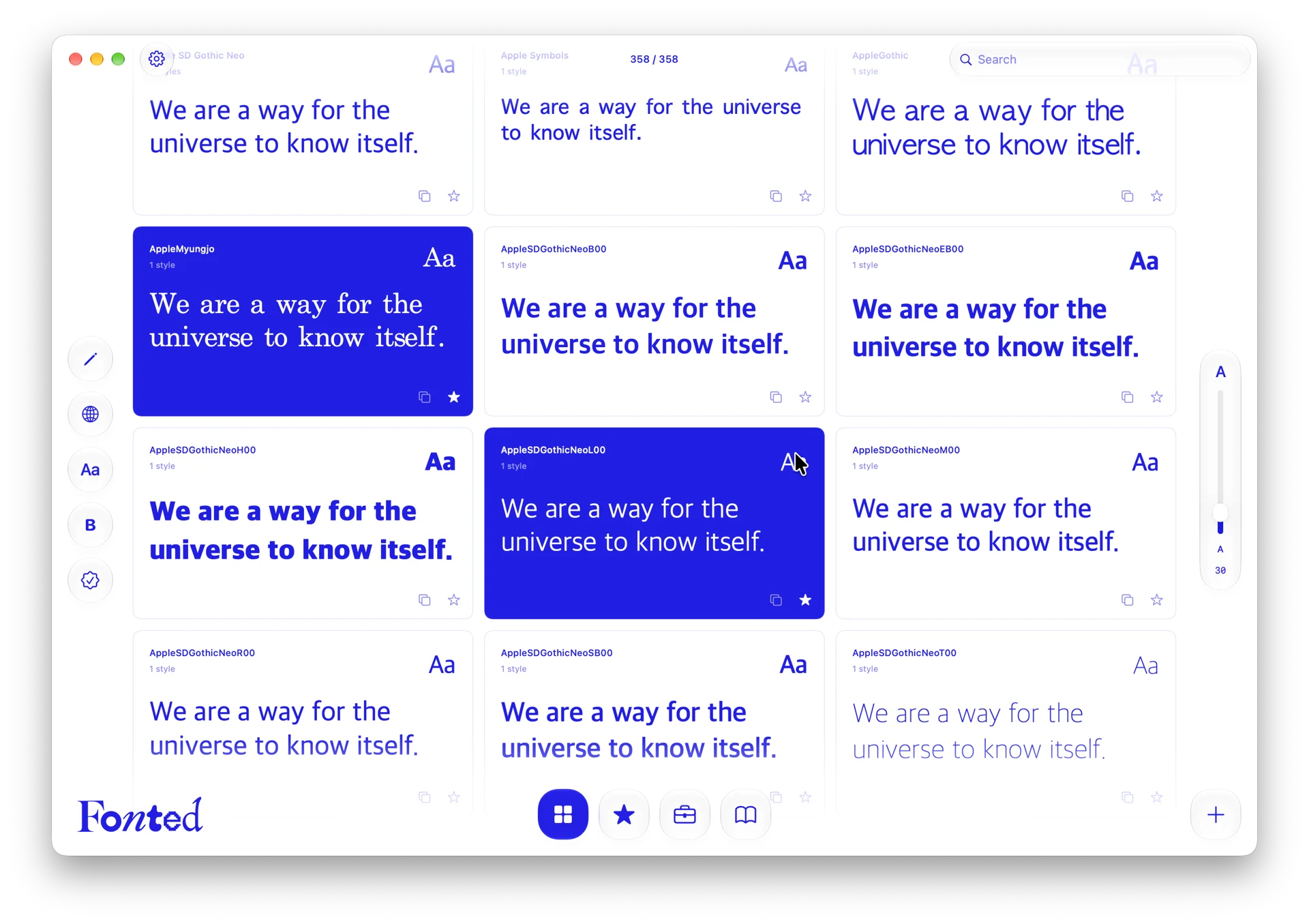
Explore all the fonts installed on your Mac in one place. Preview them with your own words, adjust the size and spacing, and discover the unique character of every typeface. ๐Ÿ‡บ๐Ÿ‡ธ English ๐Ÿ‡ฐ๐Ÿ‡ท Korean ๐Ÿ‡ฎ๐Ÿ‡ณ Hindi ๐Ÿ‡จ๐Ÿ‡ณ Simplified Chinese ๐Ÿ‡ฏ๐Ÿ‡ต Japanese ๐Ÿ‡ช๐Ÿ‡ธ Spanish Windows 11 (x64) / macOS 27 Golden Gate

โ—โ–ฒโ– 

Save your favorites or organize them into your own collections.
Sort fonts by purpose, add personal notes, and revisit them whenever inspiration strikes.

From language support and font styles to commercial usage rights,
everything you need to choose the right font is all in one place.
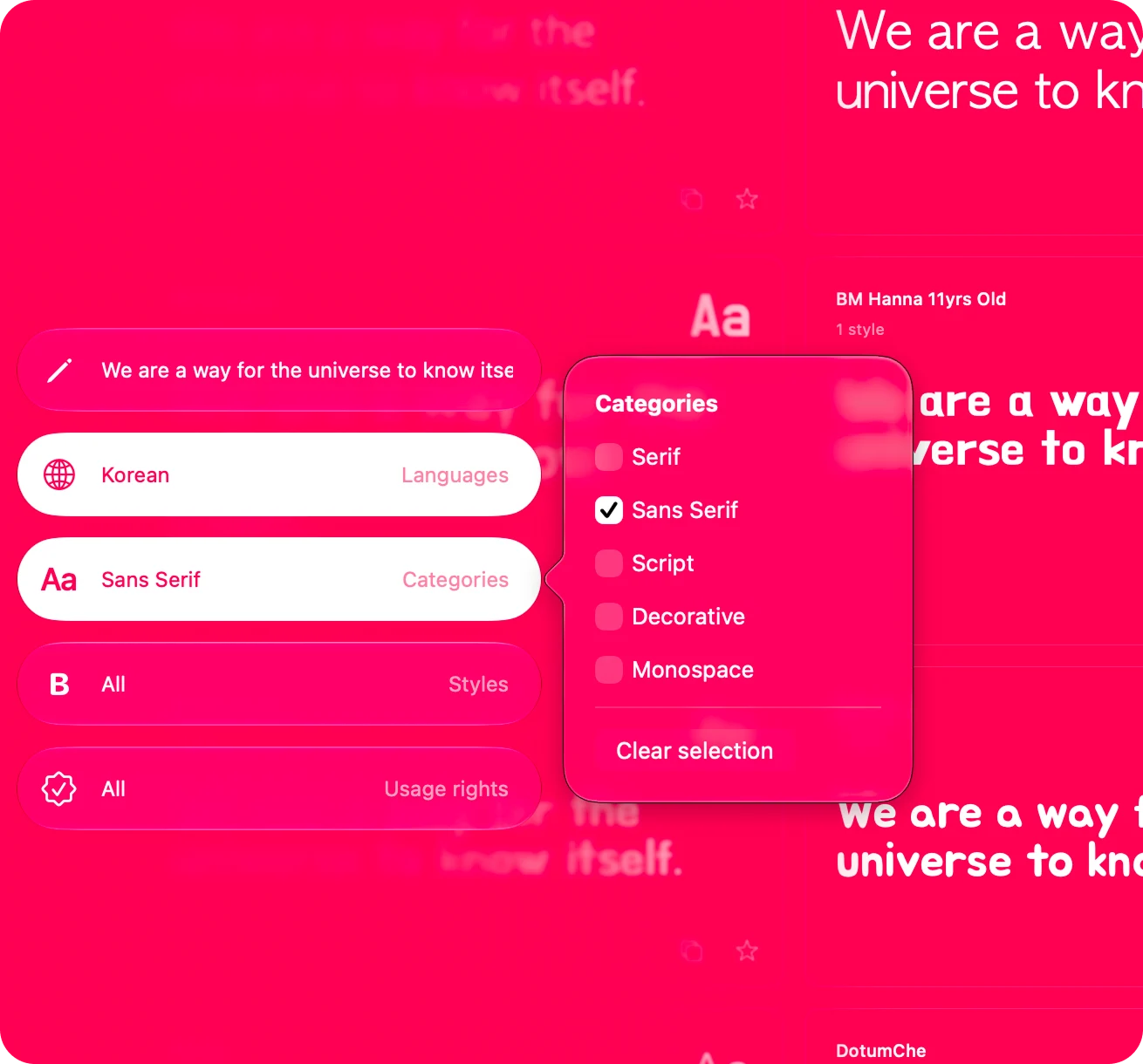
Filters

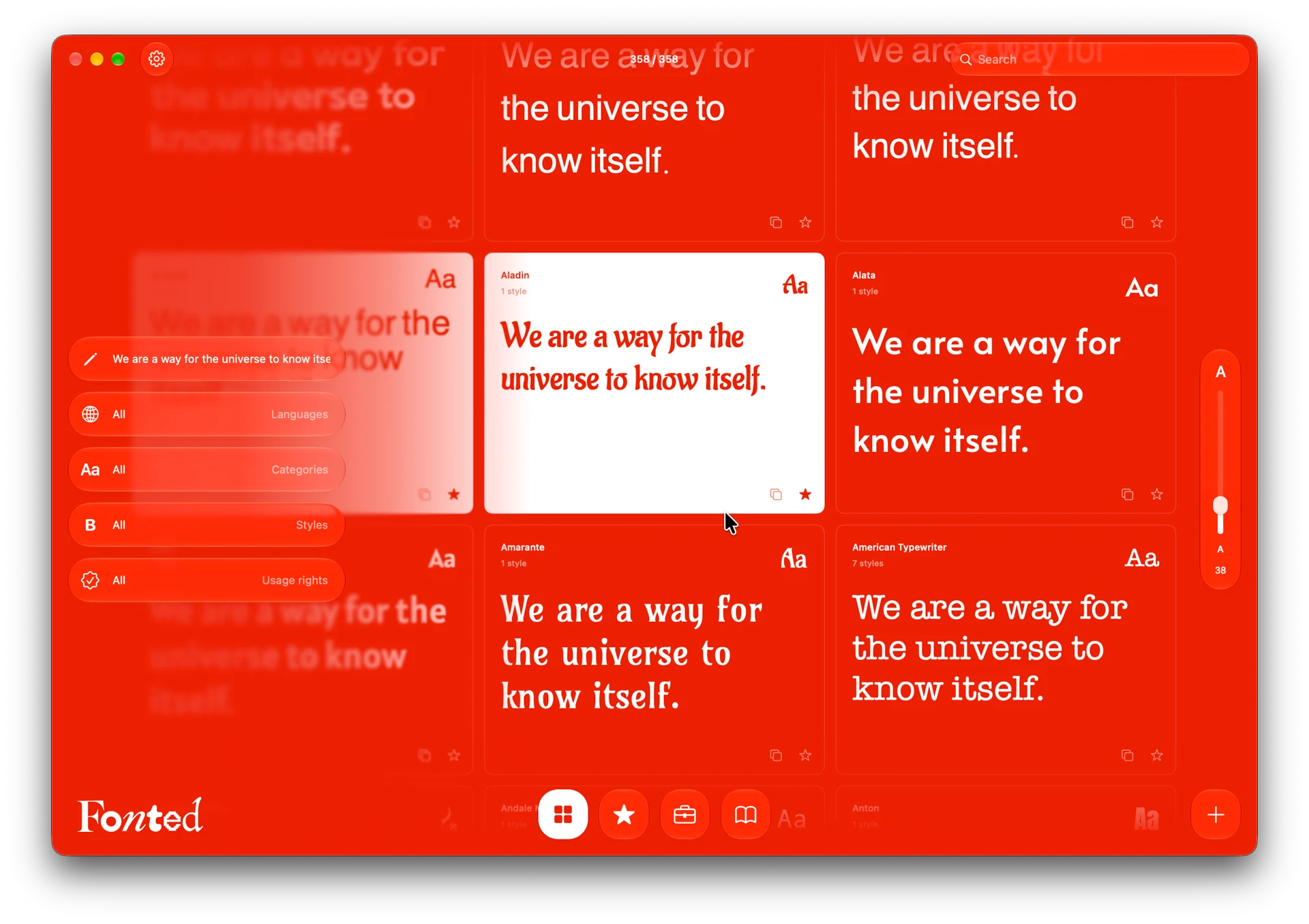
Find the fonts you're looking for by filtering your PC's font library by language support and typeface category. Customize each font's classification to organize your collection your way.

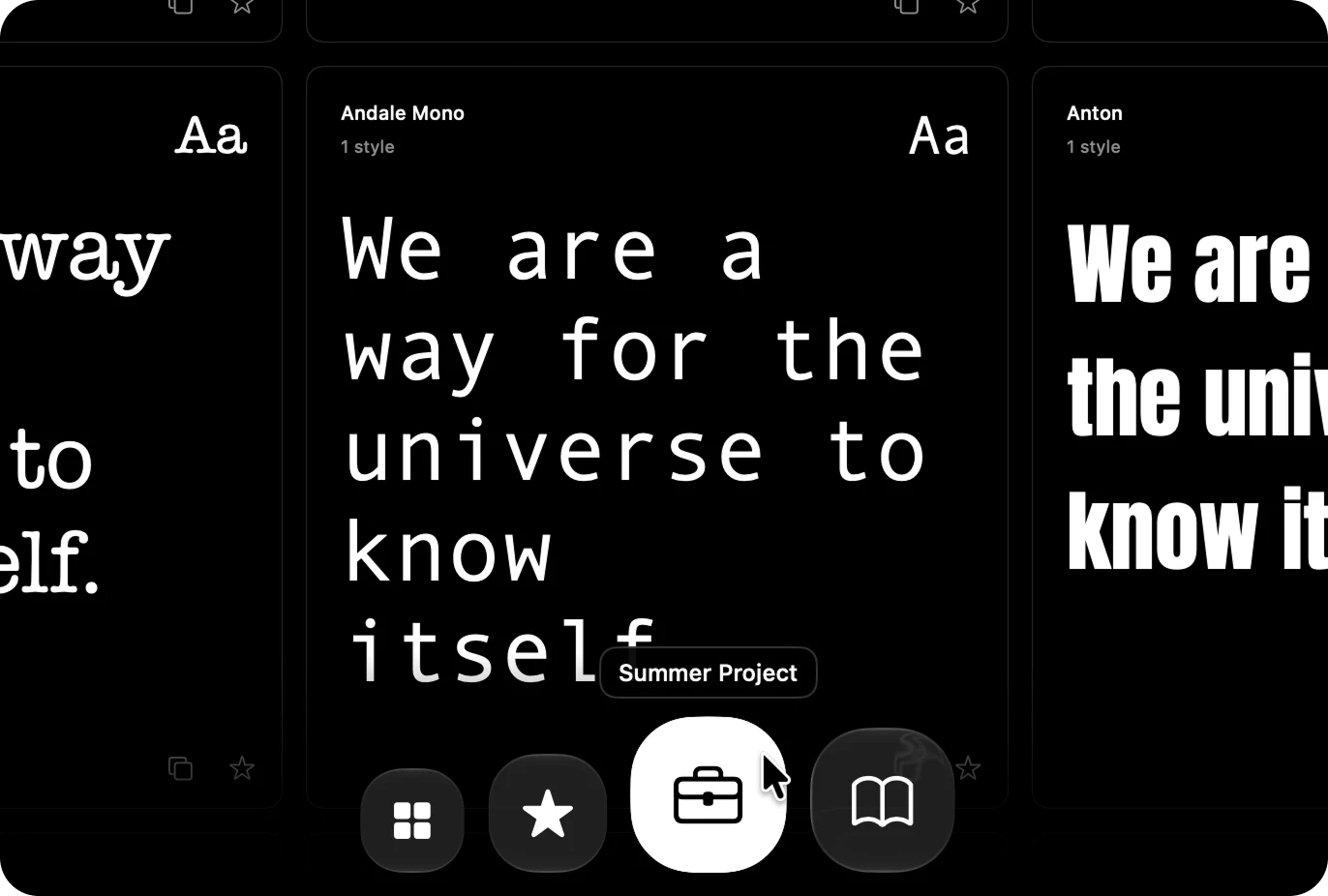
Drawers

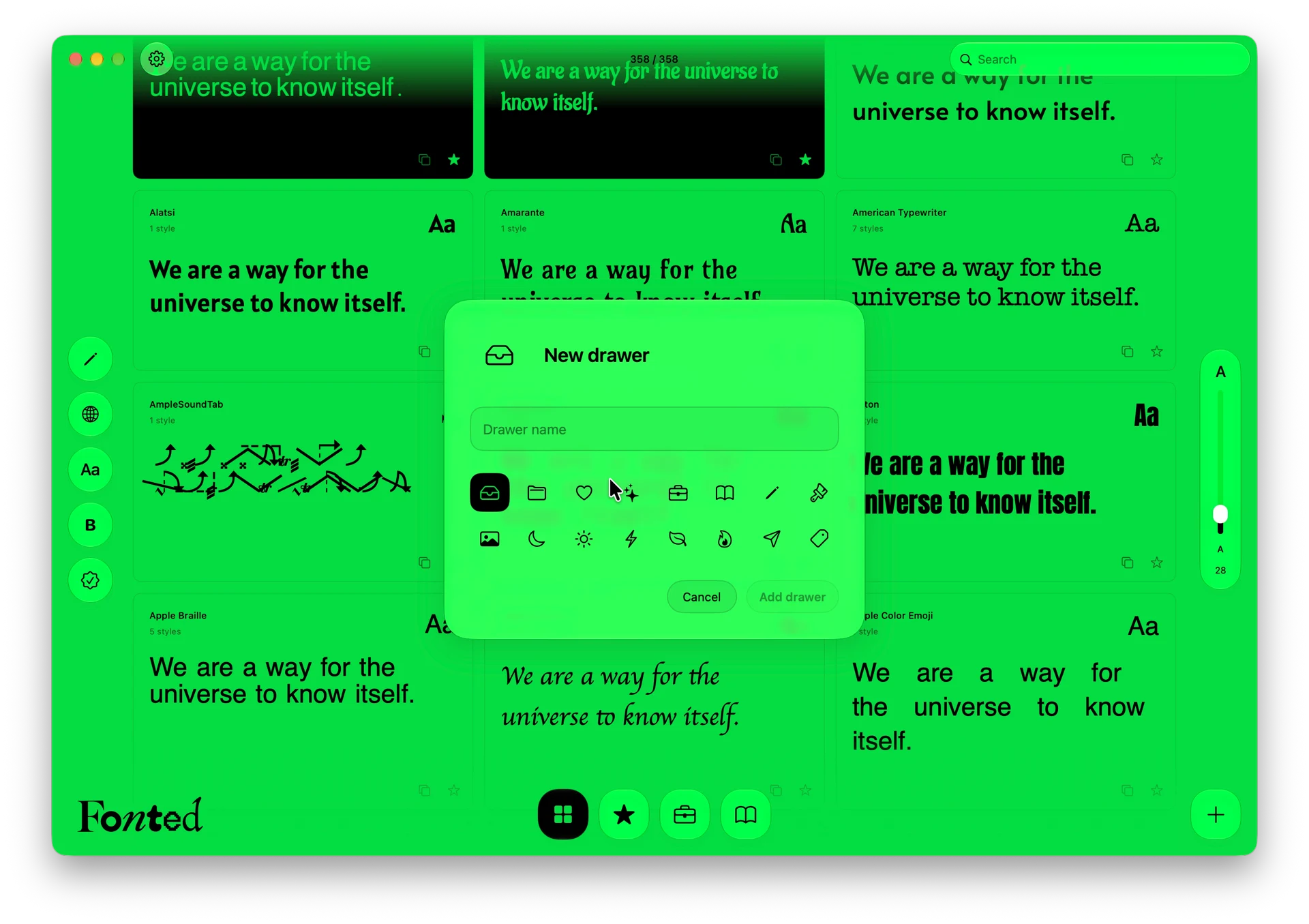
Create your own collections and fill them with your favorite fonts. Personalize each one with a name and icon, and organize your fonts by purpose to keep everything within easy reach.

News

1.0.0 ๐ŸŽ‰

Whatโ€™s New

  • Added Hindi, Simplified Chinese, Japanese, and Spanish interface languages

  • Added welcome and version-specific feature announcements

  • Added in-app update checking and installation support

Improvements

  • Improved font loading with background scanning

  • Automatically refresh the font list when installed fonts change

  • Preserve the font listโ€™s scroll position when returning from font details

  • Keep detail preview size independent from the font list, starting at 40 pt

  • Improved preview layout to prevent large text from being clipped

  • Refined layouts, spacing, and color consistency throughout the app

0.2.0 Beta

Font Browsing

  • Browse fonts installed on your Mac

  • Search fonts and mark favorites

  • Copy font names

  • Filter by style, supported language, and usage rights

Font Preview

  • Edit preview text and font size

  • Select typeface styles

  • Apply underline and strikethrough

  • Adjust text alignment, letter spacing, and line spacing

  • Reset typography settings

  • Edit detail preview text independently from the font list, without saving it

  • Customize and save text, icon, and background colors

Drawers

  • Create, edit, and delete up to 10 drawers

  • Customize drawer names and icons

  • Add fonts to multiple drawers

  • Drag Aa into a drawer to add a font

  • Drag drawers to reorder them, with the order saved

  • Drop outside the dock to cancel reordering

Font Information

  • Add notes to individual fonts

  • Detect styles and supported languages when first registered

  • Manually adjust classification checkboxes

  • Record commercial use status and permitted uses

  • Record attribution requirements and license sources or links

Settings

  • Switch between English and Korean

  • View app version and developer information

  • Access email, X, Discord, and the information website

0.1.0 Beta

Beta Test

macOS