Focustop

  • RhuswalfDeveloper
  • Chrome ExtensionCategory
  • 15+User
  • 1.1.2Ver

Focustop: Your Perfect Focus Space

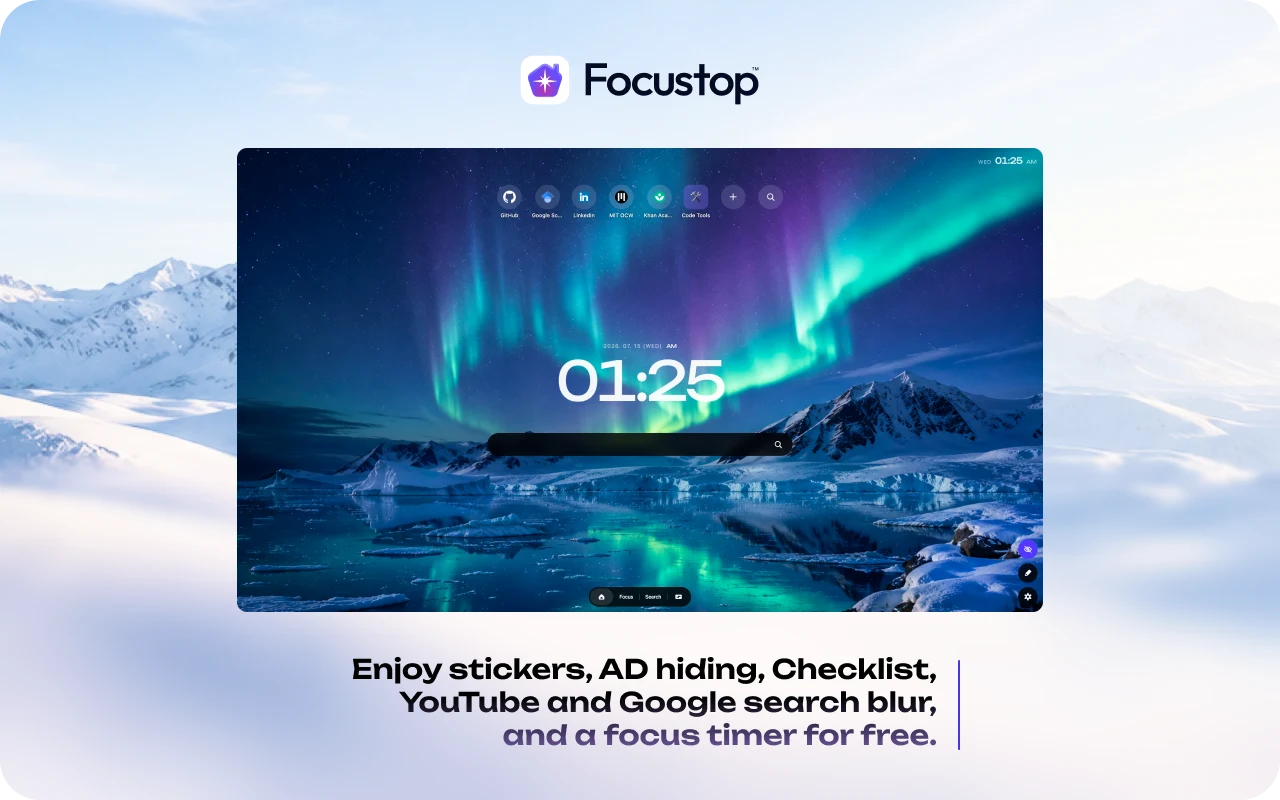
A custom new tab and powerful focus filters. Enjoy stickers, ad hiding, YouTube and Google search blur, and a focus timer for free.
Supported Languages - English, Japanese, Korean, Hindi, Spanish, Simplified Chinese,Traditional Chinese


Cleverly hides elements that trigger distractions. It softly blurs YouTube's algorithm-recommended videos and comments, alongside ads and blocked sites appearing in Google search results, keeping your eyes locked strictly on your goals.

1.1.2 Update

To provide a more stable experience, we have upgraded our save system. Unfortunately, this update requires your previous section layouts to be reset. We sincerely apologize for the inconvenience and kindly ask you to set up your layout once more. ๐ต๐‘ฆ ๐‘…โ„Ž๐‘ข๐‘ ๐‘ค๐‘Ž๐‘™๐‘“

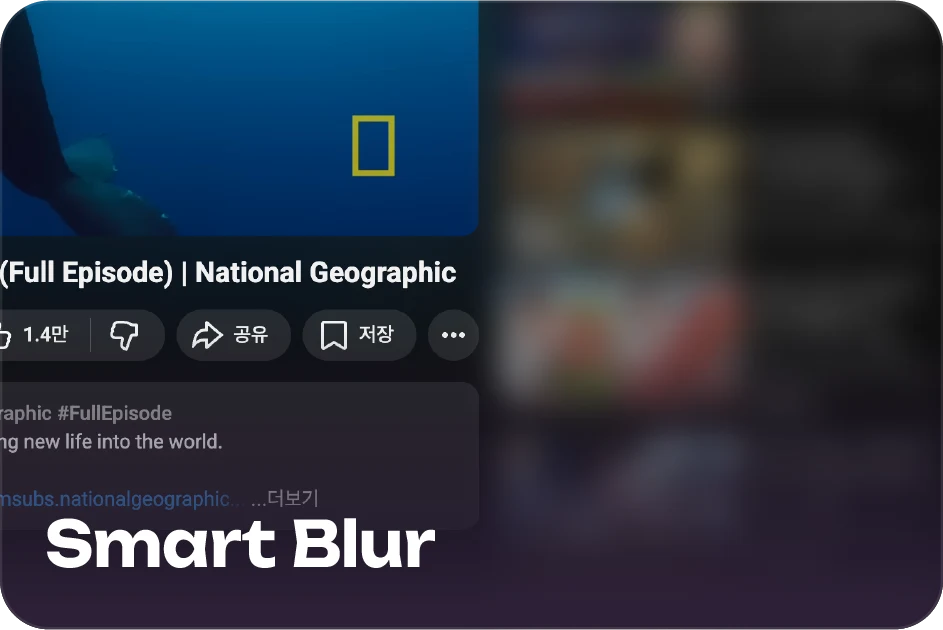
Smart Blur

Cleverly hides elements that trigger distractions. It softly blurs YouTube's algorithm-recommended videos and comments, alongside ads and blocked sites appearing in Google search results, keeping your eyes locked strictly on your goals.

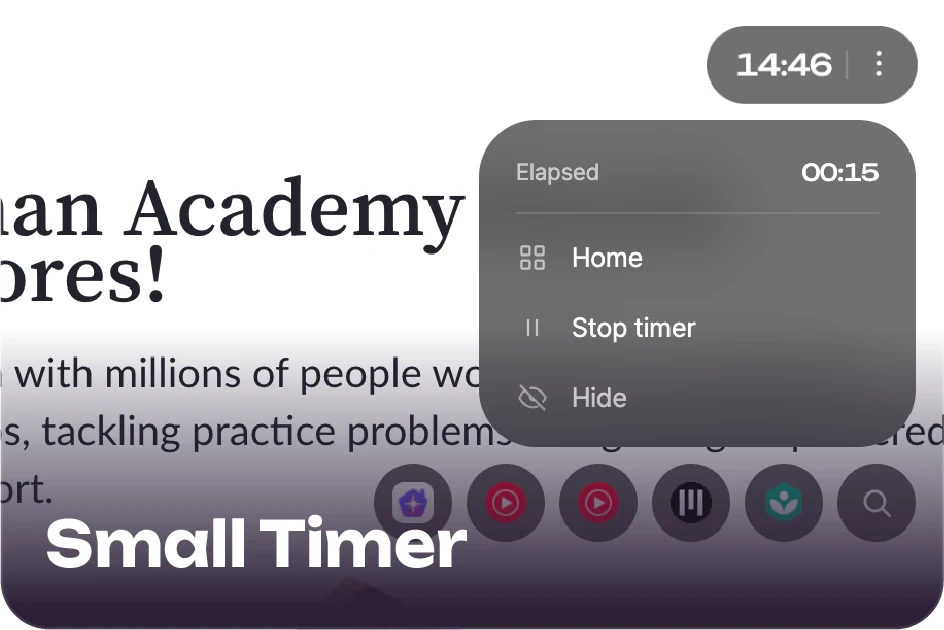
Small Timer

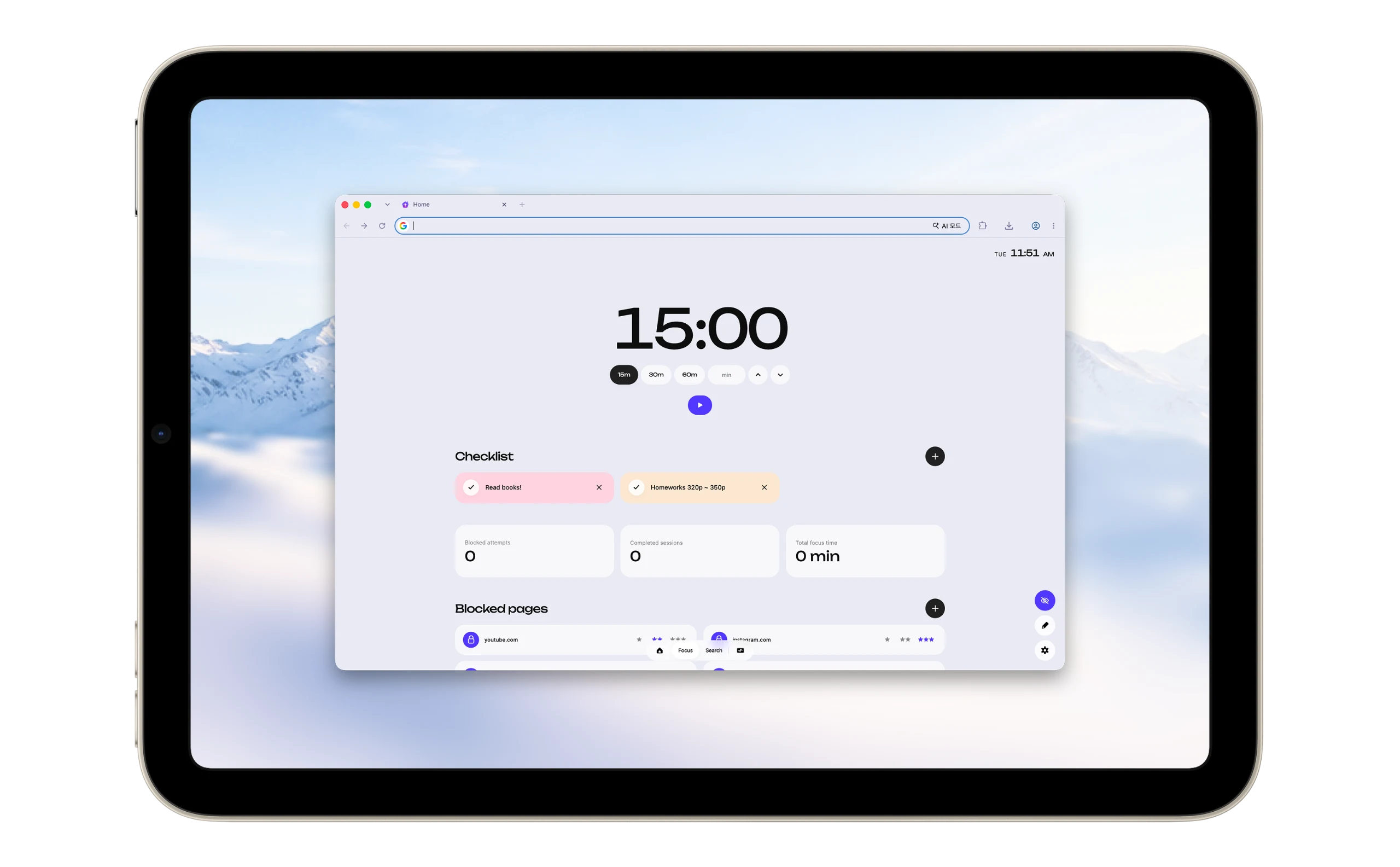
Whether you navigate between websites or switch tabs, the timer never stops. Neatly positioned in the corner of your screen, it allows you to easily check your current focus status and time at a glance.

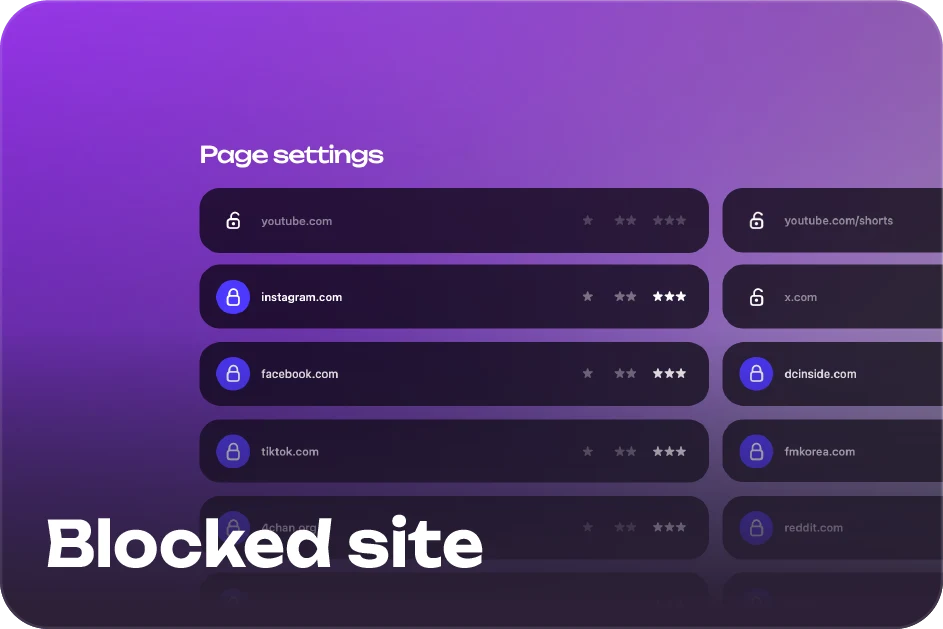
Blocked Sites

Directly add and manage specific websites that break your concentration. While the focus timer is running, access to these registered sites is strictly restricted. Furthermore, information from these sites in Google search results is also blurred, completely cutting off the source of temptation.

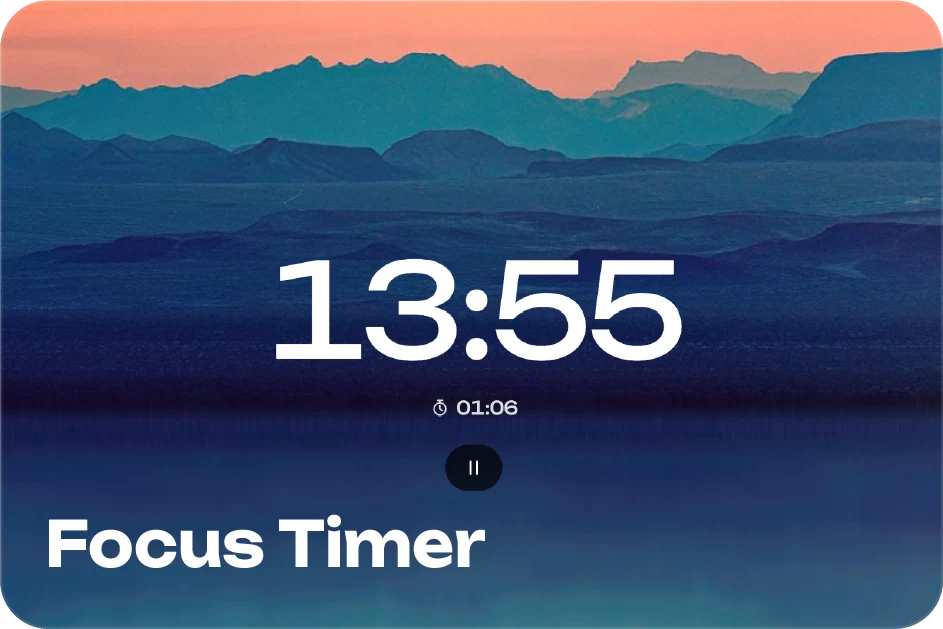
Focus Timer

The moment the timer starts, all distractions are completely controlled. Dive into a state of deep flow with the timer widget. For your set duration, ads, YouTube recommendations, and comments are entirely blurred, letting you focus solely on the task at hand.

Custom Stickers

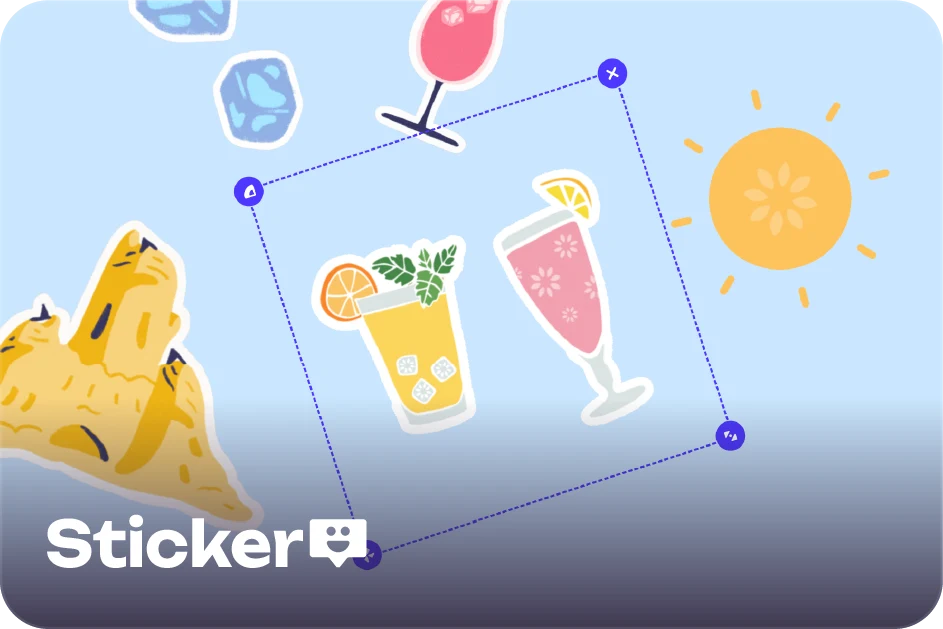
Freely decorate your browser's start screen like your personal canvas. Register your favorite GIFs or images as stickers and position them wherever you like. Transform a plain new tab into your very own unique dashboard.

Password

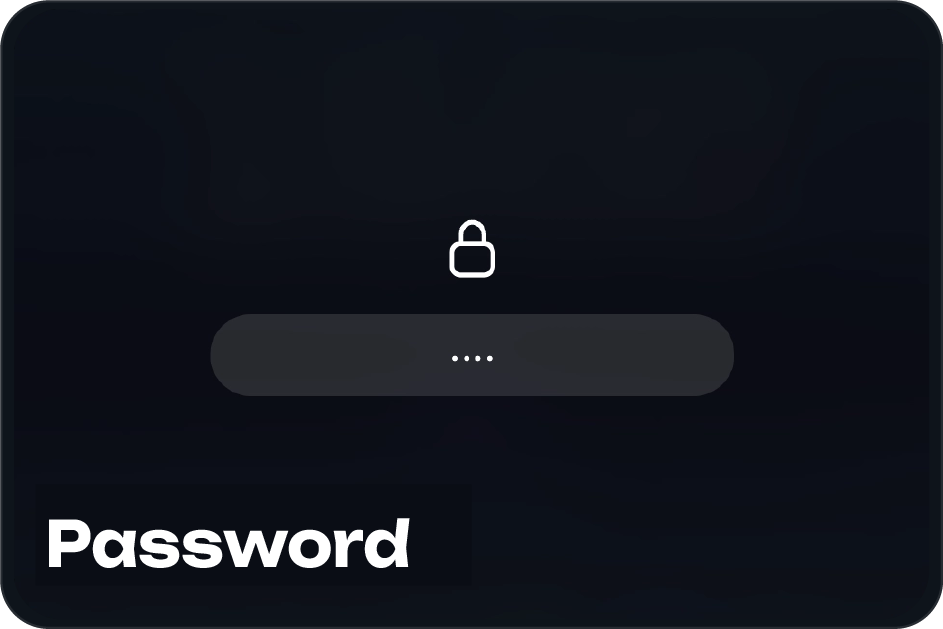
Securely protects your custom new tab screen by requiring a password the moment you launch Chrome. Enjoy peace of mind even in shared environments, knowing your personalized shortcuts, group tabs, and focus timer statistics are safe from prying eyes.

Hide Ads

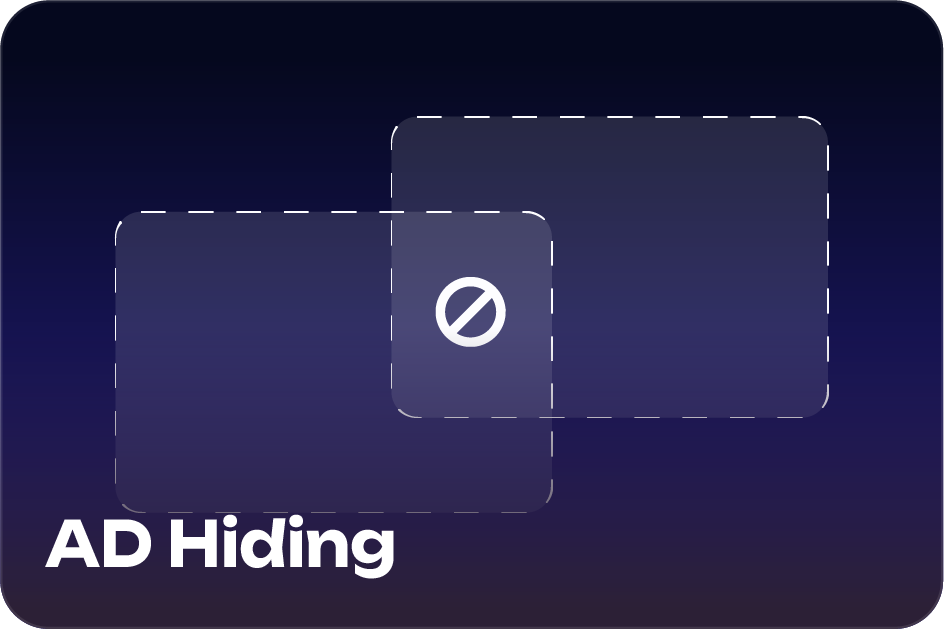
Neatly wipe away unnecessary advertisements scattered across webpages for total immersion. Experience a clean browsing environment where you can focus 100% on your tasks, without the distraction of banners and pop-ups suddenly stealing your attention while you research or read.

Group Tab

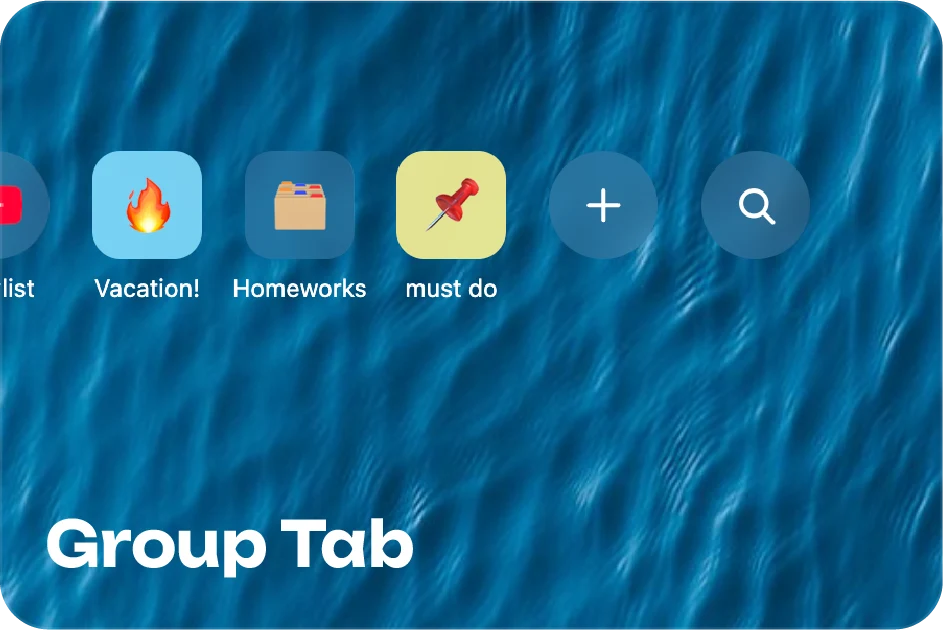
Don't break your workflow by opening required websites one by one. The moment you click a group tab, your pre-registered links launch simultaneously in new tabs, instantly setting up the perfect work environment.

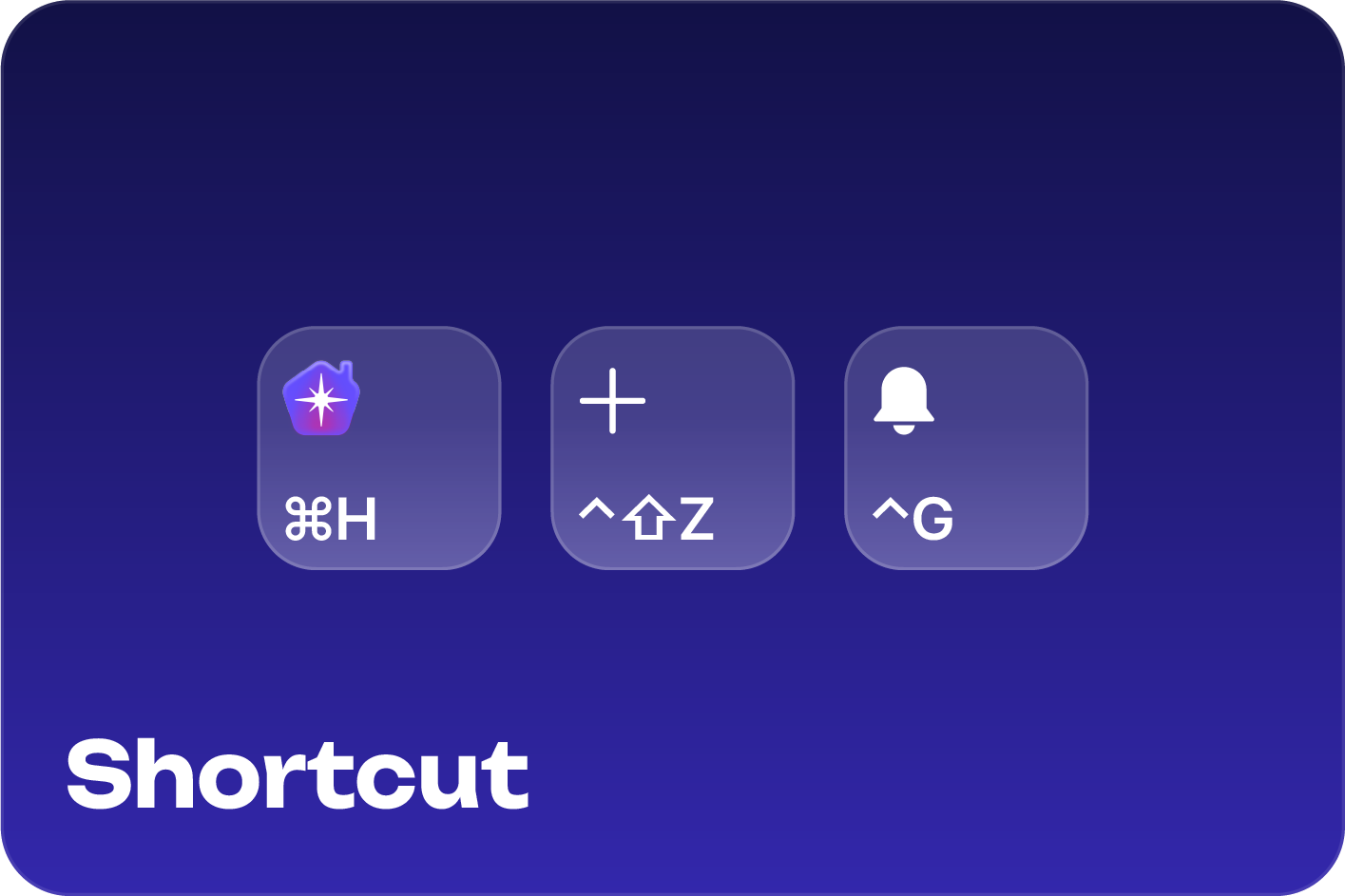
Keyboard Shortcuts

Use hotkeys to start/stop the focus timer and instantly add the current page to your new tab shortcuts. You can configure the hotkeys in the shortcut settings.

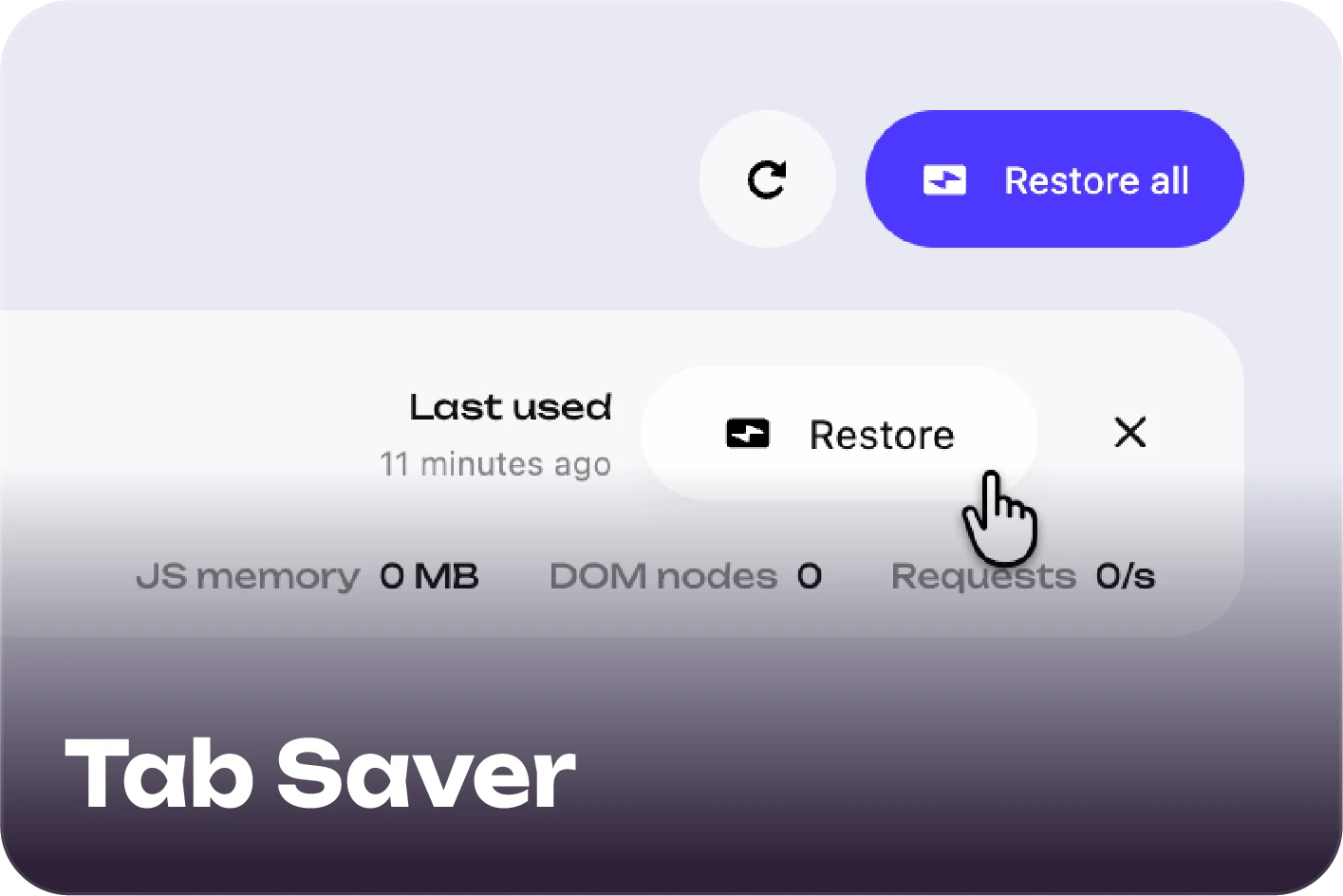
Tab Saver

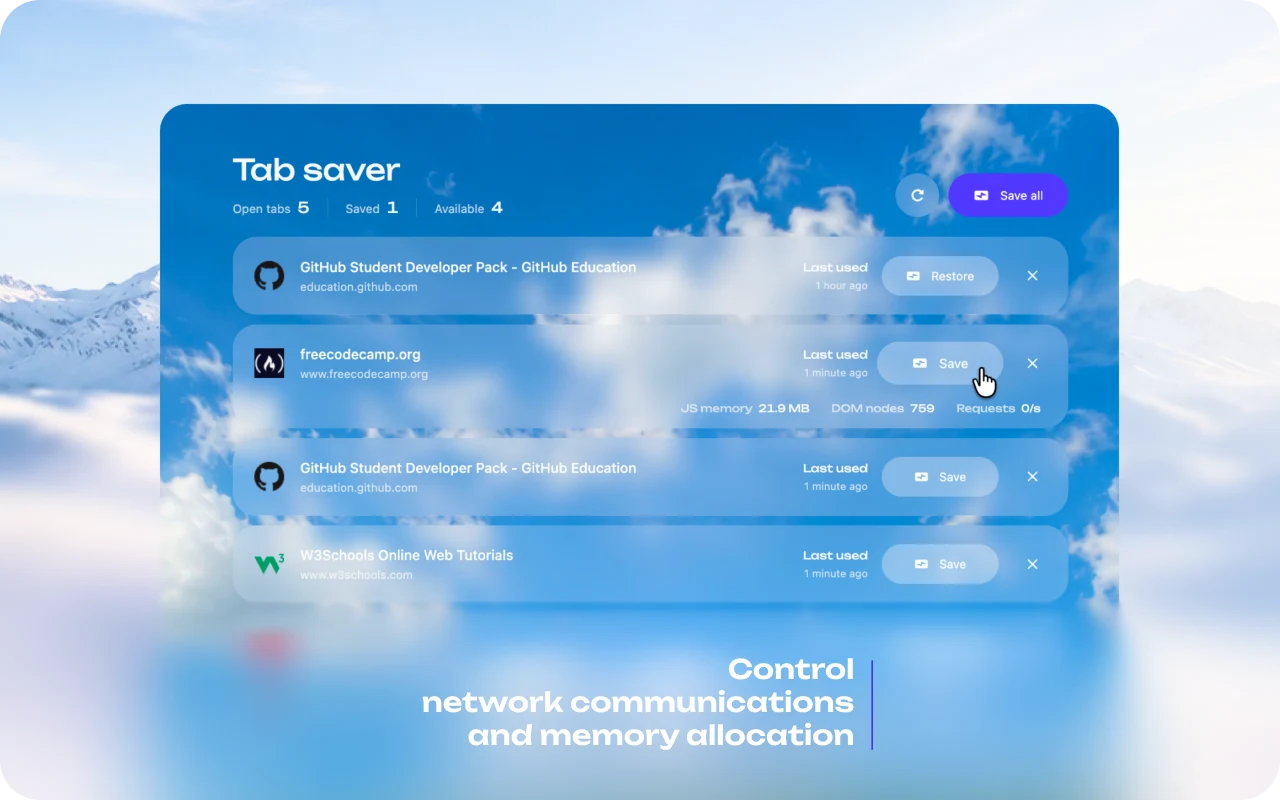
Click theย Restoreย button available on each tab. The moment it is pressed, background network communications and memory allocation for the inactive tab are instantly suspended. While the tab remains visible in your workspace, it completely stops consuming unseen resources.

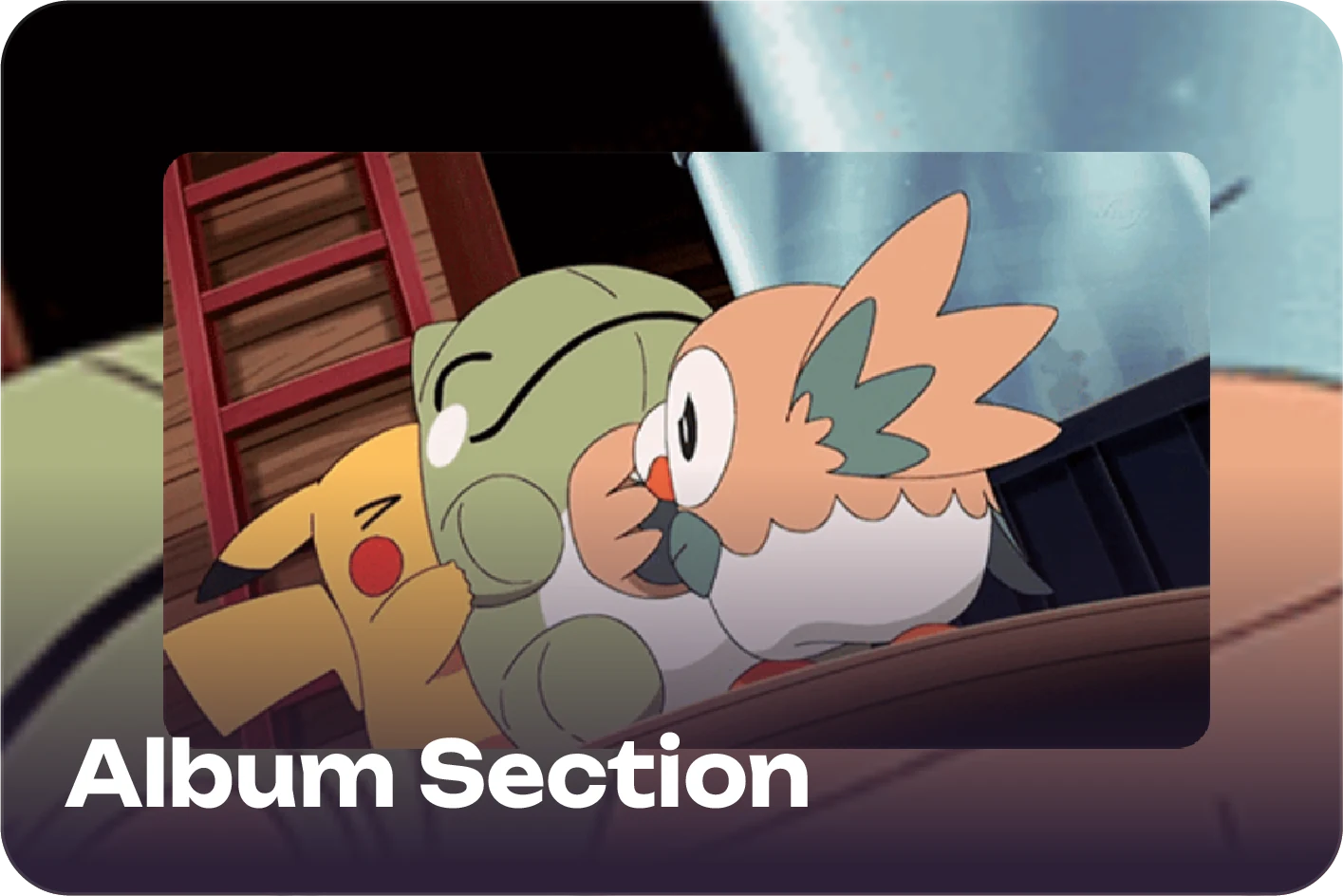
Album Section

You can now upload your own images to the album section. Animated GIFs are also supported, so try creating a more fun and special album!

FAQ

What to do if you forget your password

Unfortunately, a lost password cannot be recovered.
However, you can reset your data and start over by following the steps below:

  • Enter an incorrect password 5 or more times.

  • Click the Reset button that appears in the bottom right corner of the screen.

  • All data will be wiped, allowing you to start using the service from scratch.

Frame Rate Drop Issue

The primary cause of frame rate drops is the Blur effect. Since this setting is enabled by default, we recommend turning it off for a smoother browsing experience.

Feedback & Bug Reports

If you wish to leave feedback or report a bug while using Focustop, please use one of the three methods below:

  • Method 1: Using the Settings Menu

    • You can submit it directly via the Settings window (bottom right) โ†’ Menu โ†’ Feedback & Bug Report tab.

  • Method 2: Using the Email Button

    • Simply click the email button provided within the app.

  • Method 3: Sending an Email Directly

Changelog

1.1.2

First Convenience Update

  • Performance optimization, structural improvements, and a new save system
    (Sharing feature coming soon)

  • Redesigned the section editing page and added a new launch screen
    (Includes update notes and language selection)

  • Improved sticker controls, added 4 default backgrounds,
    introduced responsive gradient backgrounds, and added a transparent mode

  • Updated overall UI visuals, enhanced animation effects, and improved zoom controls

  • Added Search, Checklist, and Album sections; improved the Favorites section;
    and added an "I'm Feeling Lucky" feature to the Search section

  • Enhanced the ad-removal feature and workspace management;
    added 'Home' and 'Eco' (Save) workspaces

  • Added support for Spanish, Traditional Chinese, and Simplified Chinese

1.1.1

(Urgent modification)

  • Fixed a bug where the divider and margin sections were not resetting properly.

  • Added hotkeys for starting/stopping the timer and for adding shortcuts.

  • Improved tip messages.

  • Added Hindi language support.

1.1.0

Improved Group Tab feature, added clock section, and prepared for official launch after final optimization and improvements.

1.0.0

  • Released 2nd beta version, conducted testing, and gathered feedback.

  • Fixed timer statistics bug, excluded YouTube Shorts while the timer is running, added gradient backgrounds, focused on overall polish, and proceeded with optimization. Added Group Tab feature.

0.3.0

  • Integrated Privacy Policy and blog. Applied a unique icon system.

  • Added an alarm sound when the timer ends. Added a dedicated timer page.

  • Proceeded with other detailed improvements.

Beta test

0.2.0

  • Released 1st beta version, conducted testing, and gathered feedback.

  • Added password lock and sticker features. Added rotate, resize, angle, and corner radius adjustment features for stickers.

  • Fixed ad blocker functionality errors.

0.1.0

Initial release with basic features.